X (Twitter)

Everything you can change on X.

A wide, quiet timeline. Twenty-two switches, and all of them are free.
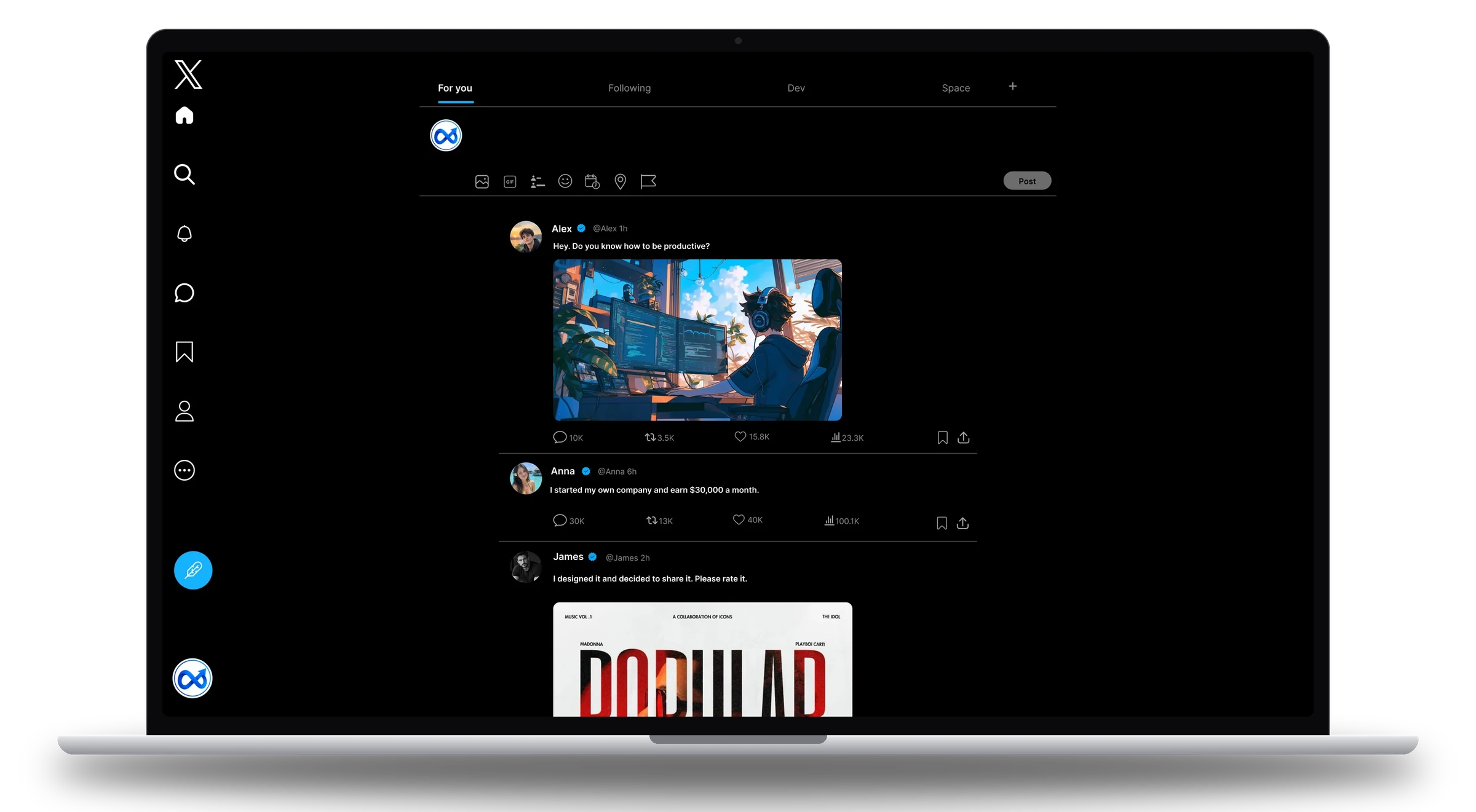
A laptop showing the X timeline with Minimal Network: an icon-only menu on the left, a centred feed of posts and no Trends column.

Flip a switch.

This is a drawing of X, wired to the real switch names. Press them and watch the page let go.

Layout

Feed filters

Polish

Theme

What is left is the timeline.

Posts in the middle of the screen, the menu as a slim rail, and nothing beside them.
A laptop showing the X timeline with Minimal Network: an icon-only menu, a centred feed and no Trends column.
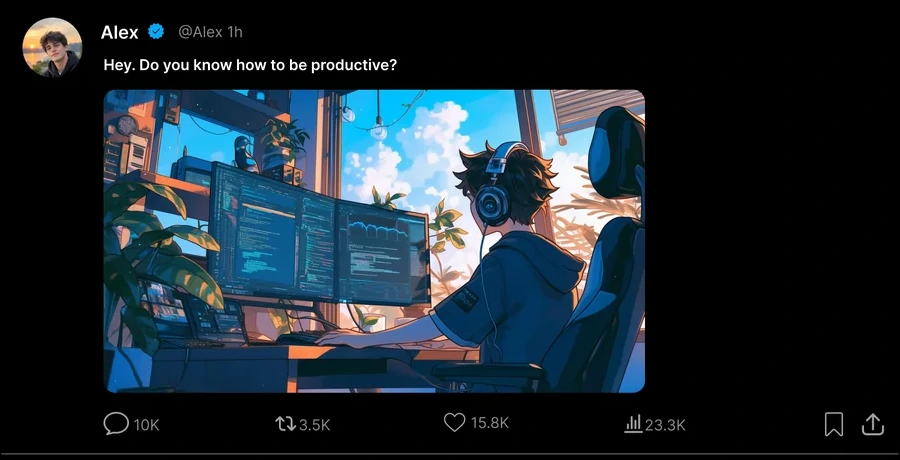
Close-up of one post on X with its picture and counts.
Free

Room to read.

A wide feed, centred.

Close-up of the tabs at the top of the X timeline.
Free

Your tabs, your order.

Hide “For you” and X opens on Following.

Point at it, and it goes.

The element picker works on any social site. Try it on this little page: click anything you would rather not see.

Some siteLog in
Sign up for our newsletterSubscribe

The thing you came to read

Trending now

You might also like

Pro0 hidden

Every switch, on one sheet.

Twenty-six options. The ones marked Pro are the only ones that cost anything.

Layout

Wide centred feedFree
The timeline moves to the middle of the screen and gets room.
Hide right sidebarFree
The whole column beside the timeline goes.
Hide trends columnFree
Only the Trends panel goes; the rest of the sidebar stays.
Compact left navFree
The menu shrinks to a slim rail of icons.
Hide left railFree
The menu goes away entirely.
Focus readingFree
Nothing on the page but the feed.

Feed filters

Hide repostsFree
Reposts and retweets leave the feed.
Hide repliesFree
Replies no longer appear between posts.
Hide quote postsFree
Posts that quote another post are filtered out.
Hide “For you”Free
The algorithmic tab is hidden and X opens on Following.
Hide Spaces cardsFree
No live audio cards in the timeline.
Hide “Who to follow”Free
No account suggestions.
Hide Premium promosFree
No upsells for X Premium.
Block adsFree
Promoted posts, promoted trends and promoted accounts.

Chrome and polish

Hide GrokFree
The Grok button and its entry points.
Hide CommunitiesFree
The Communities tab.
Hide messages drawerFree
The message box docked at the bottom of the page.
Hide view countsFree
No view numbers under posts.
Hide like and repost countsFree
The buttons stay; the numbers go.
Hide media previewsFree
Pictures and video stay folded until you open the post.
Compact densityFree
Less padding, more posts on a screen.
Soft separatorsFree
Lighter lines between posts.

Themes and more

Aurora and VioletFree
Two complete colour themes for X.
Six more themesPro
Yellow, OLED, Ember, Moss, Red and Blue.
Your colours and typePro
Accent, background, text, icons; eleven typefaces; radius and width.
Element pickerPro
Click anything on any social site and it stays hidden.

Three steps.

  1. 1

    Install

    Add Minimal Network from the Chrome Web Store and pin its icon to the toolbar.

  2. 2

    Open X

    Click the icon and open the Twitter / X card. Every switch on this page is a row there.

  3. 3

    Flip a switch

    The page changes as you click. There is nothing to reload and no settings page to find.

Make it yours.

Free to start. All of Pro is free for your first day.