YouTube
Everything you can change on YouTube.
Hide what you never asked for. Then make what is left look like yours.
Flip a switch.
This is a drawing of YouTube, wired to the real switch names. Press them and watch the page let go.
Clean up
The look
Theme
Then make it yours.
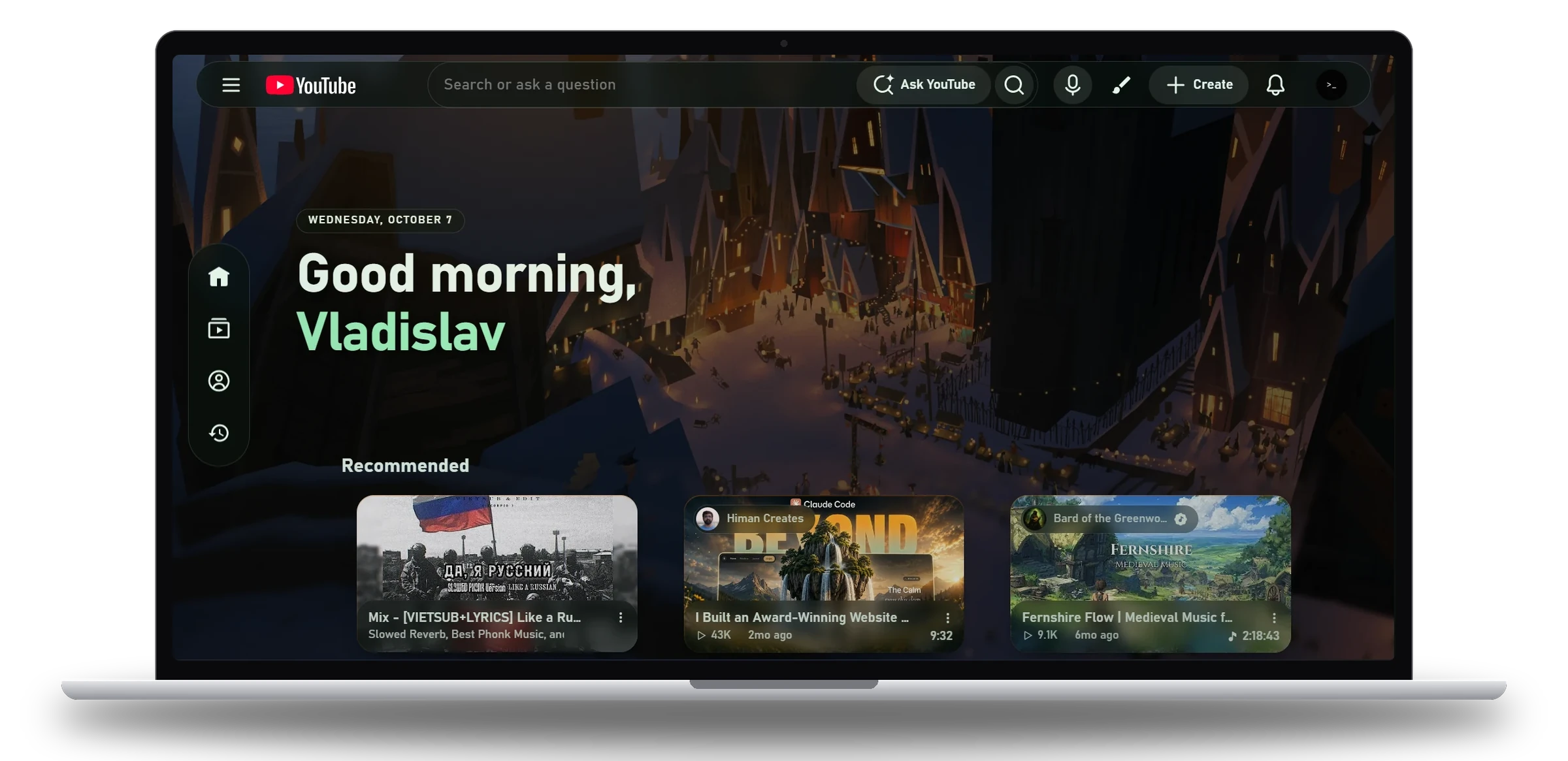
The YouTube look is a glass layout over a picture you choose. Switch it on once, then click any part of the page to change it.
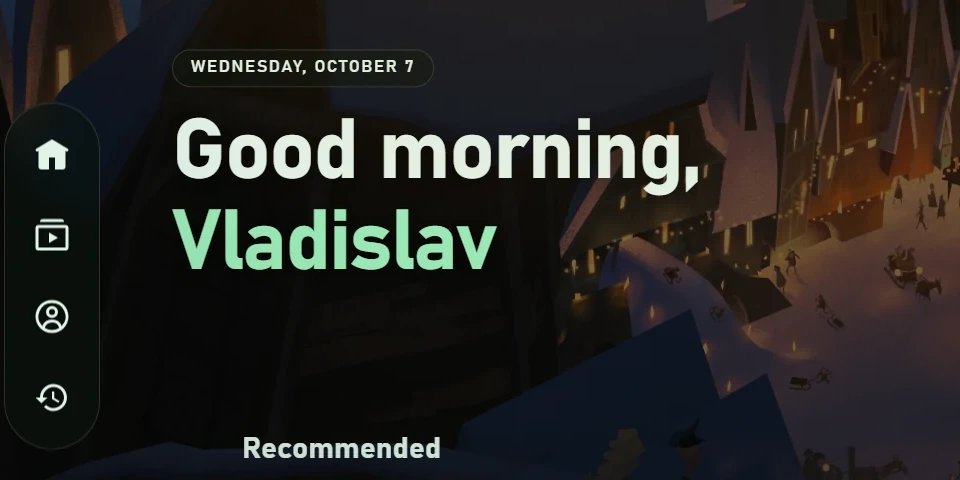
Your wallpaper, and a hello.
Your own picture behind YouTube, the date, your name, and a slim rail where the menu was.
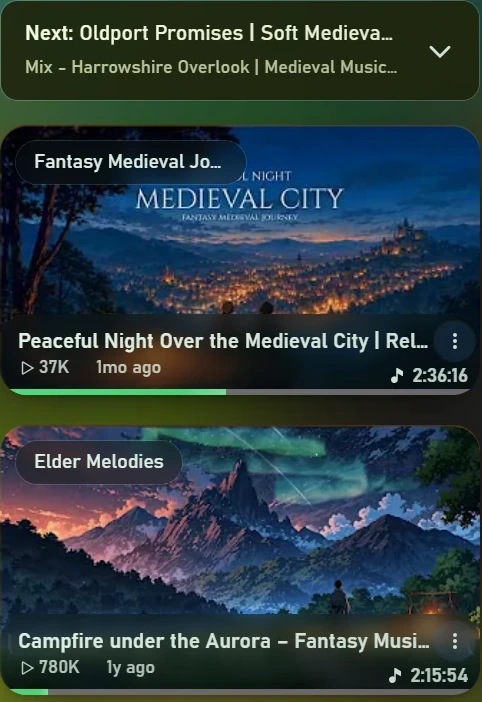
Cards, your way.
The title under the picture or on it.
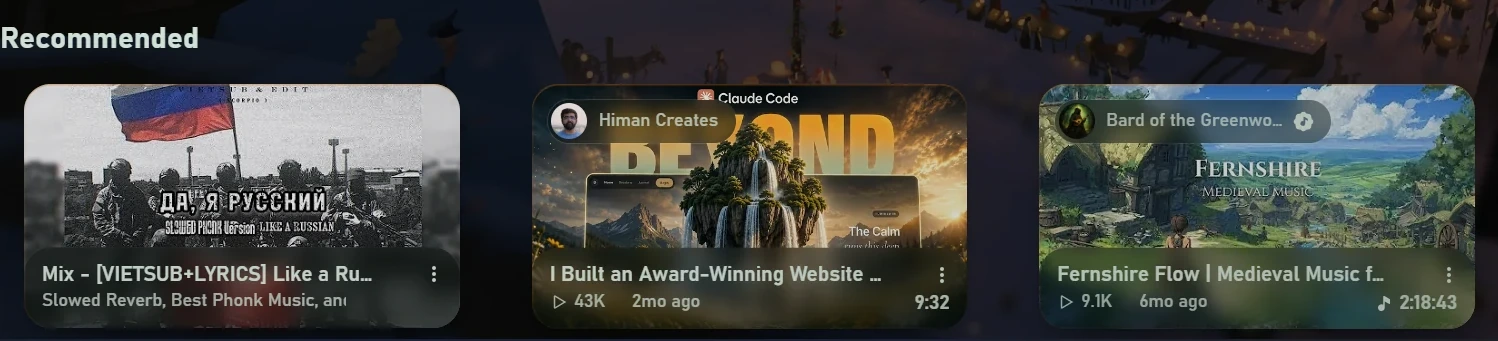
A home page without Shorts.
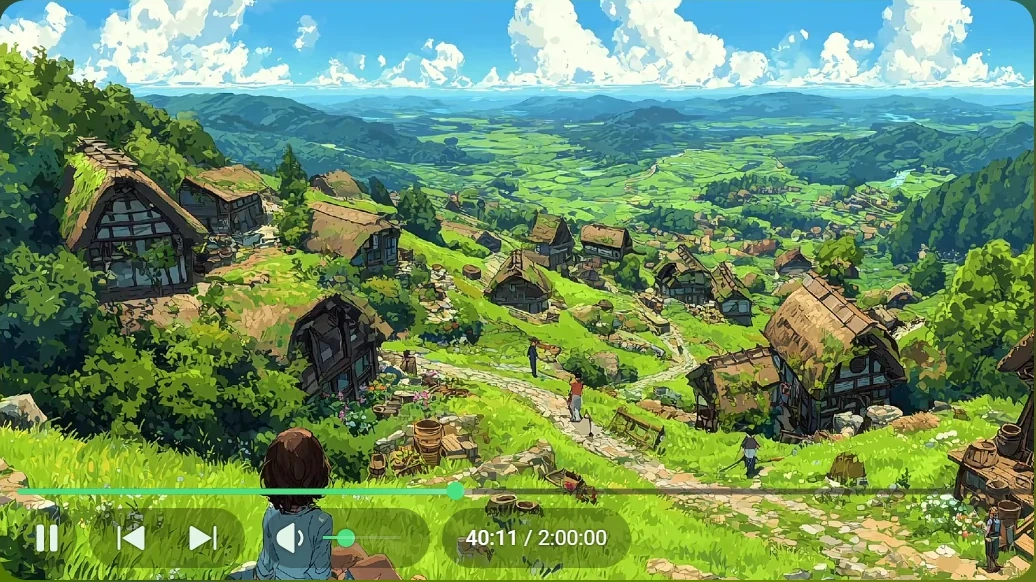
Watch room.
The page dims around the player and takes its colours from the film.
Motion
A thumbnail flies to the player.
Sounds
Few, and quiet. One switch.
Lamp
A warm light, in your colour.
Snow
When you want it.
Every switch, on one sheet.
Thirty-one options. Nothing is hidden behind a settings page.
Clean up
- Hide ShortsFree
- The shelf on the home page, the sidebar entry and Shorts in search.
- Hide recommendedFree
- The column of suggested videos beside the player.
- Hide commentsFree
- The comment section under the video.
- Hide end screensFree
- The thumbnails laid over the last seconds of a video.
- Hide live chatFree
- The chat panel on streams and premieres.
- Hide merchFree
- Merch shelves and product rows under the video.
- Hide topic chipsFree
- The bar of chips across the top, for a shorter header.
- Hide homepage feedFree
- A search box and your subscriptions, not a wall of videos.
- Block adsFree
- On the page and before the video.
- Show dislikesFree
- The classic like bar, with counts from Return YouTube Dislike.
- Smooth videoFree
- Plays only the formats your graphics chip decodes.
- Clean playerPro
- A player with no extra buttons on it.
- Hide games & PlayablesPro
- Gaming entries, game shelves and Playables.
The YouTube look
- Glass layoutPro
- A picture behind the page, floating bars and a hero zone.
- Your wallpaperPro
- Your own image, with the dim and the blur set by you.
- GreetingPro
- The date and a hello with your name on the home page.
- Floating sidebarPro
- A rail of icons at the side or along the top, with or without labels.
- Video cardsPro
- Title under the picture or on the thumbnail; the feed at your width.
- Glass panesPro
- How blurred and how transparent the panels are.
- Watch roomPro
- The page dims around the player and follows the film's colours.
- LampPro
- A warm light over the page, in a colour you pick.
- MotionPro
- Thumbnails fly to the player; menus and cards open like on a Mac.
- SoundsPro
- A few quiet sounds for presses and menus.
- SnowPro
- Snow falling over the page, when you want it.
- Lite modePro
- The same look with lighter effects, for slower computers.
Design Studio
- Eight themesPro
- Yellow, OLED, Ember, Aurora, Violet, Moss, Red and Blue.
- Your coloursPro
- Accent, background, text and icons, each picked separately.
- TypefacePro
- Eleven typefaces to set the site in.
- Corner radiusPro
- From square to fully rounded.
- Content widthPro
- How wide the page is allowed to run.
- Reduce motion, high contrastPro
- Two switches for a calmer or a sharper page.
Three steps.
- 1
Install
Add Minimal Network from the Chrome Web Store and pin its icon to the toolbar.
- 2
Open YouTube
Click the icon and open the YouTube card. Every switch on this page is a row there.
- 3
Click the page
With the glass layout on, press Customize and click the sidebar, a card or the background to change it.
Make it yours.
Free to start. All of Pro is free for your first day.
214 comments